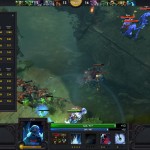
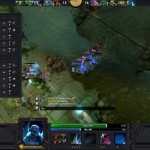
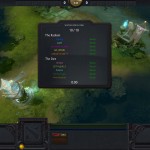
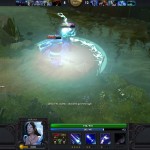
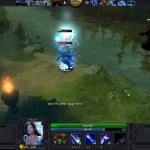
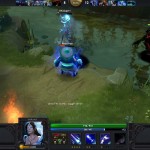
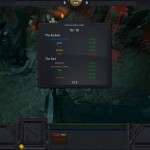
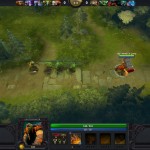
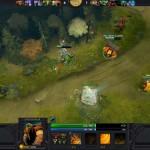
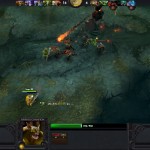
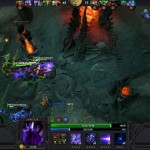
Valve’s DOTA2 Beta is well underway and we have a list of impressions as well as a ton of DOTA 2 Screenshots for you:
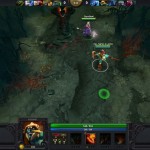
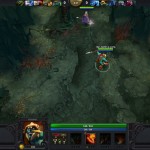
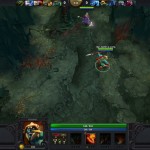
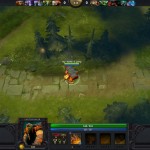
Massive DOTA 2 BETA Screenshots (Impressions after the gallery)
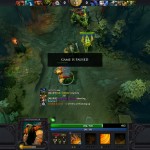
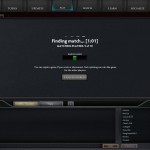
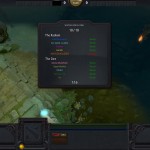
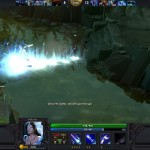
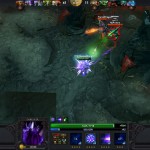
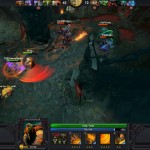
DOTA 2 Beta Impressions
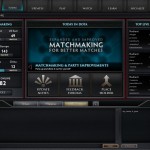
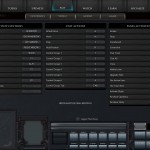
– User Interface similar to HoN
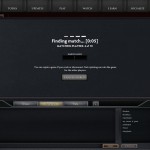
– Selectable Match Making Servers (US West, US East, Europe, SEA, China, etc…)
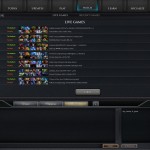
– You can observe ongoing matches, view recently finished game details
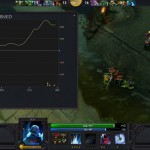
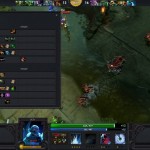
– Detailed match statistics (live and recent)
– You can rejoin game when you get disconnected or when your client crashes
– You can invite members into a party and then match make
– Some tabs aren’t working yet (Learn & Socialize)
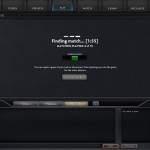
– Match Making takes a bit long, but you can spectate live matches while waiting for your game to be ready.
– Exp system not yet implemented (Although your Win/Loss/Abandoned game are displayed, including your recently used heroes.)
– You have an option to report players, as well as commend them, which you have 10 tickets for.
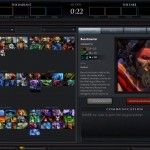
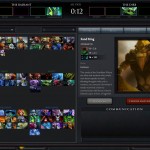
– In the hero select phase window, There’s a dropdown box to highlight heroes with the specific role you selected on the dropdown (Tank/Support/Carry/Pusher/Ganker).
– Already selected heroes don’t disappear on the selection window, which is a bit confusing.
– Graphics options only have a view details implemented
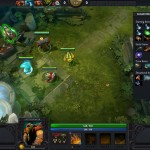
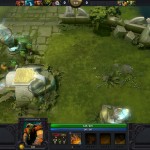
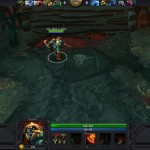
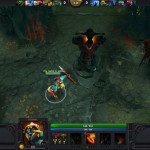
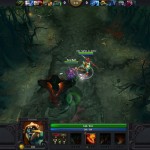
– Graphics wise, very need. Very fluid animation. Although sometimes you need to set the “Show Player Names” on to see your hero during a very big clash.
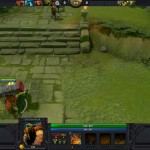
– Attack/Move cursor doesn’t look much different from the normal cursor, which is a bit confusing.
– Shop in base has been centralized. You don’t have to click different buildings to shop. Default button is “.”
– There are also a preset items tab to help beginners to know the right items for your selected hero.
– Screen shakes when your hero takes in damage. Shakes harder when stunned.
– You can rebind hero hotkeys. As well as item hotkeys
– Recipe’d items will be assembled as soon as your hero reaches the base.
– There’s a quickbuy tab on top of your inventory where you can drag items from the shop, so you don’t have to open the shop to find and buy a specific item. (Dragged recipe’d items will show its components that you don’t possess yet.). Just right click to buy the items.
– Added Gylph of Fortification button on the UI with a timer.
– A Throne/Tree hp bar shown on the game UI when it starts taking damage could be useful too.
– A post-match chat lobby should be added.
Thanks to CJ Padilla for the impressions and screenshots!
